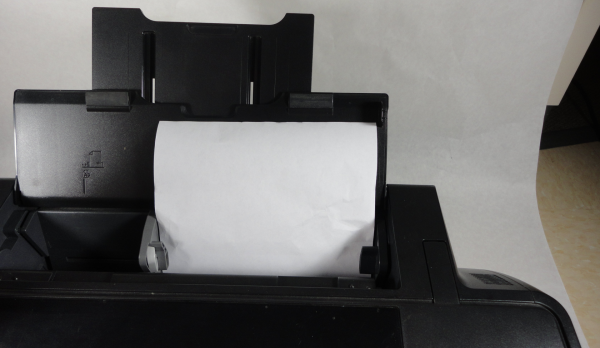
How to clear paper jam from Epson printers
One of the most annoying problems faced while printing documents using Epson printers has been paper jams, this normally happens when a printer fails to move paper from the loading tray to be printed and then taken out, the paper in this case gets stuck somewhere along the way. When this happens it's advisable to put your printer off first then open the output tray and gently pull out the paper and any other part of the paper that may have been torn because this can always lead to more paper jams and stop you from printing.
Remember to always make sure to only use clean papers while printing to avoid needless paper jams.
Paper Jam causes
Paper jams may be caused by issues such as:
1. Using dirty wrinkled papers while printing, usually makes the printer unable to easily pull the paper through the printing lane hence causing a paper jam.
2. Worn out pick-up rollers, the rubber on the pick-up roller may with time wear out hence losing its ability to roll the paper through the printing cycle.
3. Dirty or spoilt encoder strip, this should always remain as clean as possible for a smooth printing process.
4. Spoilt loading spring, when this spring exceeds its required extension length, it may cause serious complications which may cause paper jam.
It's highly advisable to take your printer to a qualified technician when you start experiencing perennial paper jams while doing your printing job.
Important Tips
- If you like it, like and share.
- Leave comments
- Follow and like the seller's page
- Invite your friends to read too.
- Follow the Business page link above to contact.
Discussion
Want to join the discussion?
Login to Comment